![recess-icon-aqua-transparent.png]](https://help.recess.is/hs-fs/hubfs/recess-icon-aqua-transparent.png?height=40&name=recess-icon-aqua-transparent.png)
Adding a recap contact to your account allows another person’s email address to also receive notifications and links to post-event recaps.
Adding your contact
- Go to your Experiences section on your Recess account and click Edit
- Click Availability at the top of the page and then Edit
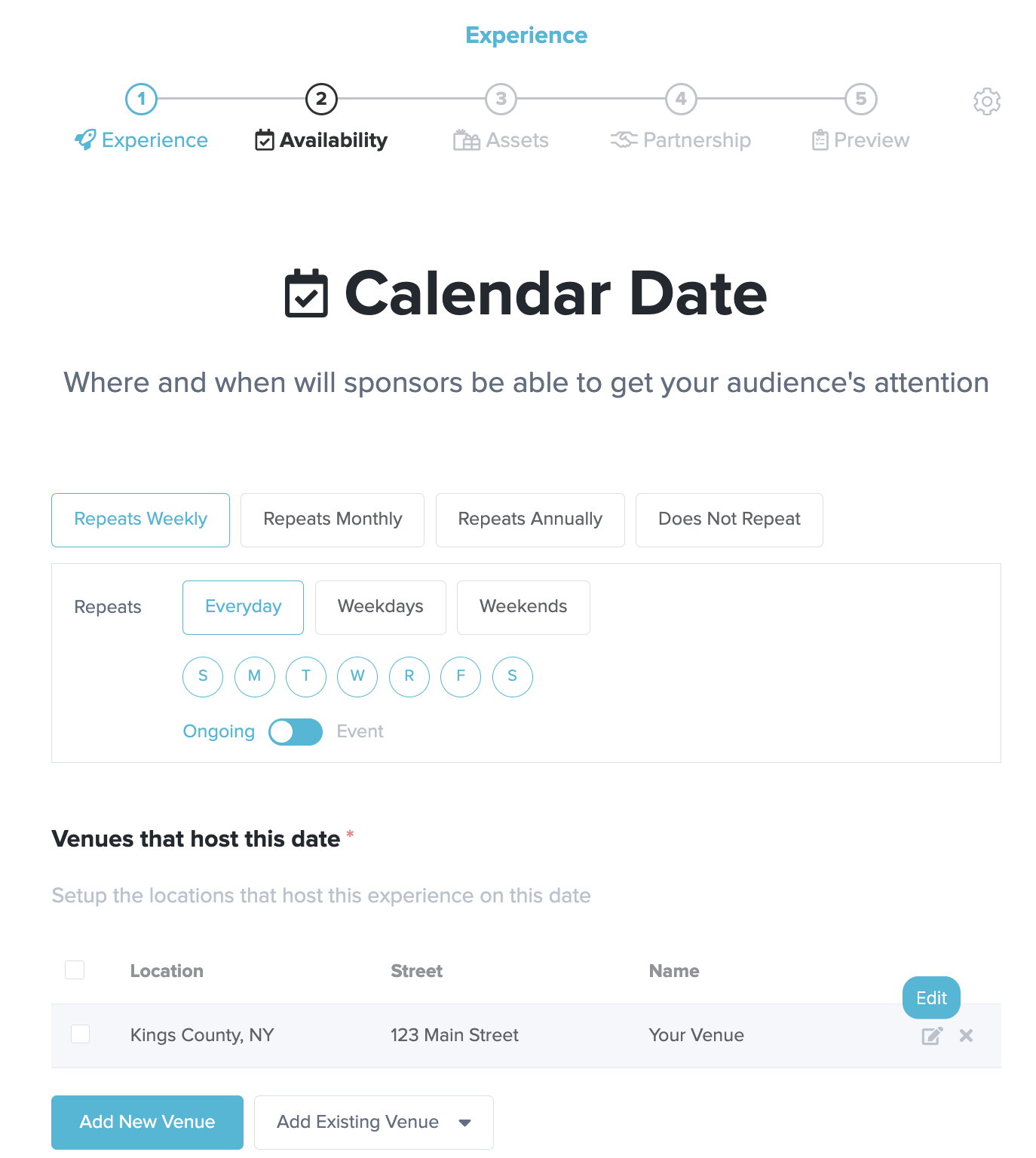
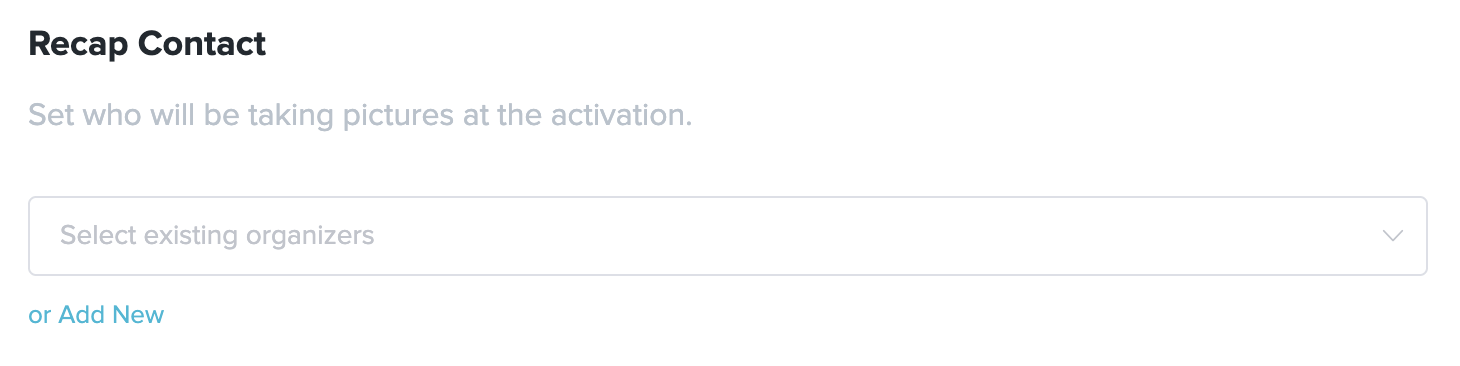
- Scroll to the bottom, find the section titled “Recap Contact,” and click Add New
- Fill in the contact's first name, last name, email, and phone
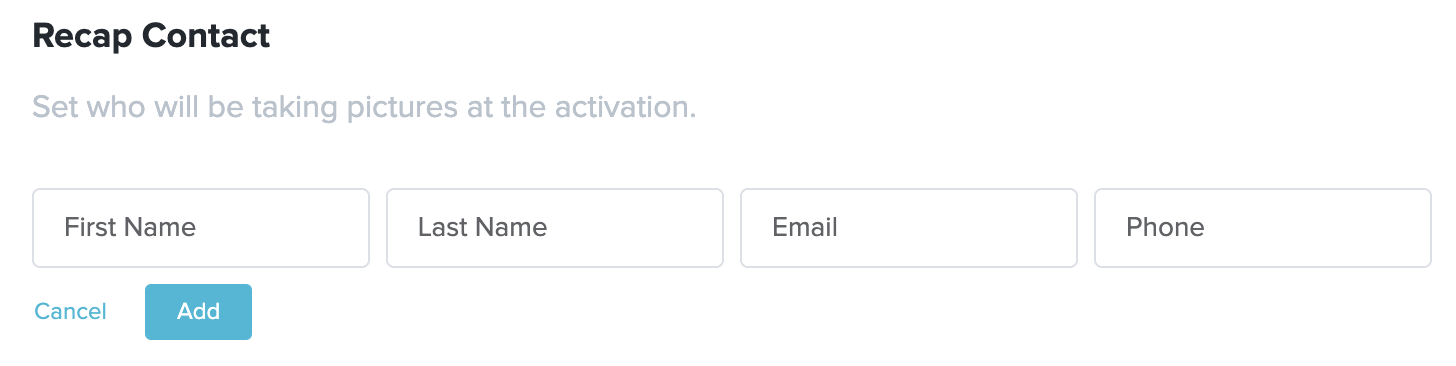
- Click Add