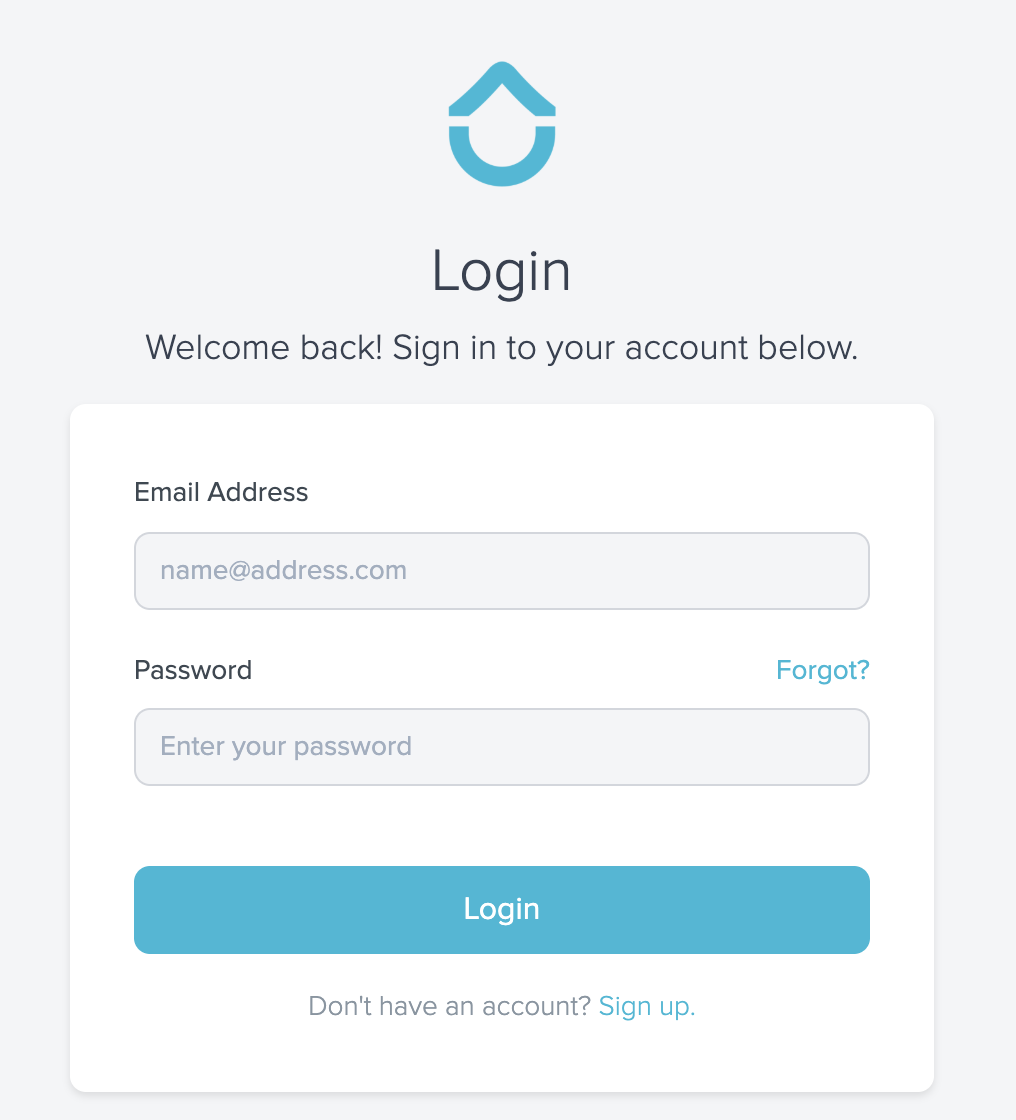
- Navigate to https://app.recess.is/login
- Click “Forgot?”
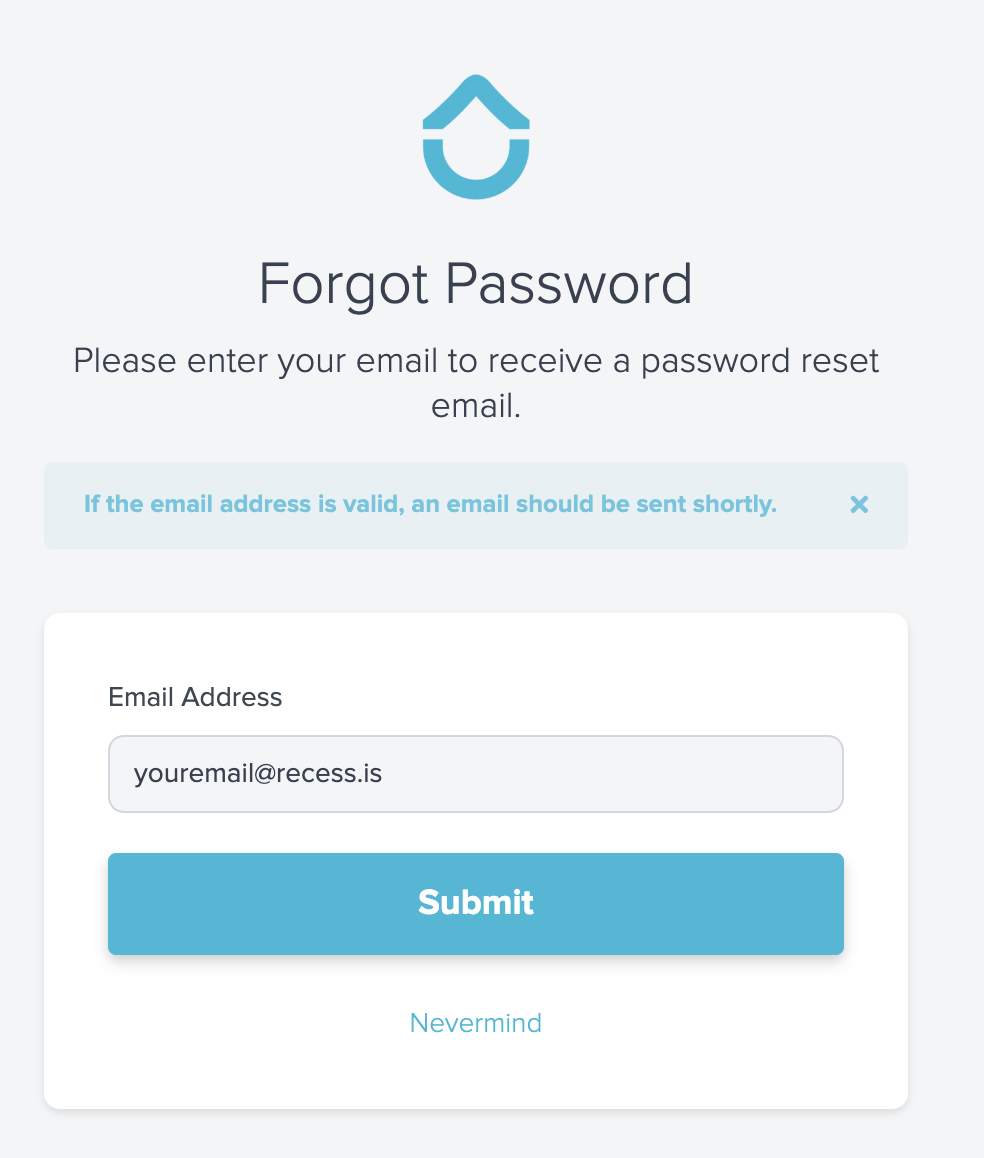
- Enter your email address and click “Submit”
- You’ll receive an email from product@recess.is with a link to change your password
- Click the “Click here to change your password” link
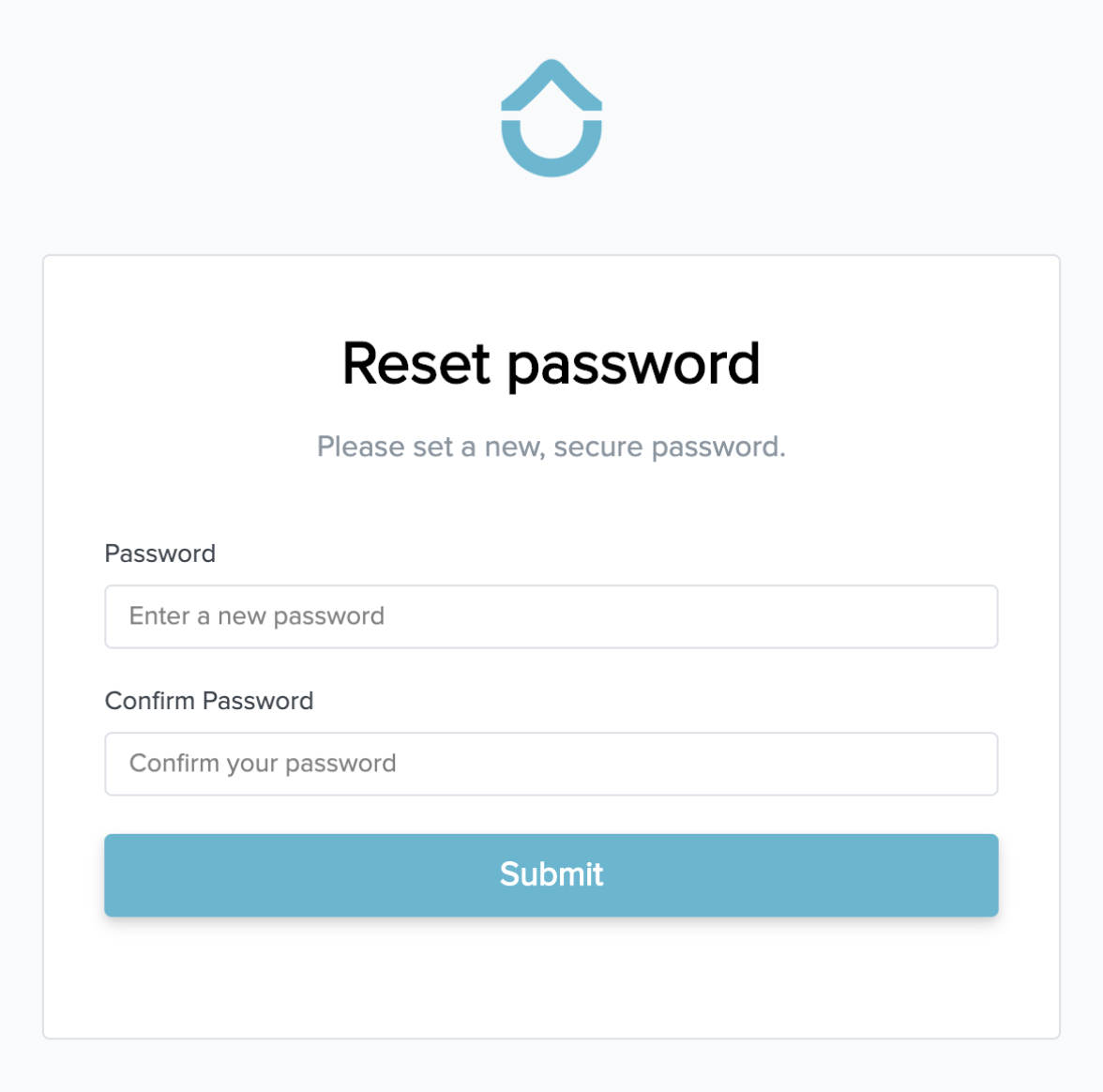
- Enter your new password and click “Submit”
English
![recess-icon-aqua-transparent.png]](https://help.recess.is/hs-fs/hubfs/recess-icon-aqua-transparent.png?height=40&name=recess-icon-aqua-transparent.png)